
REVIEWS / MICE / LOGITECH MX MASTER 3S UPDATED JUN 7, 2026 · 78 SOURCES

THE PRODUCT

Logitech MX Master 3S

Logitech MX Master 3S

A beloved productivity mouse with exceptional battery life and ergonomics, but Linux users face connectivity headaches and rubber durability is a known…

MICE MEDIUM CONFIDENCE

THE VERDICT

9.2

REALITY SCORE · OUT OF 10 · CONFIDENCE MEDIUM

COMPOSED FROM

USERS 9.2 · 75 voices · 100%
CRITICS no published scores yet

SENTIMENT · 78 REVIEWS

+ 78% positive · 14% neutral − 8% negative

BEST PRICE TODAY

BUY ON AMAZON
Affiliate · supports independent reviews
CHECK PRICE →

// Affiliate link — score is unaffected.

53 YOUTUBE 18 LEMMY 4 STACK EXCHANGE
USER n=78
VIDEO n=3
BRAND AVAILABLE
INTERNET n=0

AT A GLANCE · QUOTABLE

  • Rating: 9.2 / 10 (medium confidence)
  • User voices: 78 across 3 platforms
  • Sentiment: 78% positive · 8% negative
  • Updated: Jun 7, 2026

GYIBB rates the Logitech MX Master 3S 9.2/10 based on 78 user voices from 3 platforms. Confidence: medium. Source: https://gyibb.com/mice/logitech-mx-master-3s

⚠ LIMITED DATA Based on 25 comments and 53 videos

BUY IF

Exceptional battery life — 70 days confirmed by users, no degradation after 2+ years

  • + Proven long-term durability — original MX Masters still functional after 10 years
  • + Quiet clicks and MagSpeed scroll wheel are genuinely transformative for productivity
  • + Battery is replaceable via iFixit partnership — not a sealed unit

SKIP IF

Linux Bluetooth connectivity is unreliable — 5-10 second delays on boot require workarounds

  • Rubber grips wear and stain visibly after ~1 year of heavy use, especially on light gray model
  • Smooth scrolling on macOS requires third-party app (Mos) for power-user reliability
  • Not suitable for left-handed users — ergonomic right-only design

Where the layers disagree

6 CONTRADICTIONS DETECTED

VIDEO creators and commenters praise the scroll wheel, but USER forums (StackExchange +13 upvotes) document that achieving reliable smooth scrolling on macOS requires third-party app 'Mos' alongside Logitech Options — the out-of-box experience is subpar for power users.

VIDEO VS USER

VIDEO reviews largely ignore Linux, but USER comments on Lemmy reveal a recurring 5-10 second Bluetooth connection delay on boot (sddm/KDE), requiring systemd workarounds — a significant friction point invisible in mainstream reviews.

VIDEO VS USER

USER comments confirm rubber grip wear and staining on the light gray model after ~1 year of heavy use. VIDEO commenters corroborate this ('it usually starts to wear off and looks ugly'), but video creators themselves don't treat it as a serious con.

VIDEO VS USER

VIDEO (Rafael Ludwig) incorrectly stated battery life as 70 hours; USER comments corrected this to 70 DAYS. Ludwig also reportedly said the battery is non-replaceable, but a commenter pointed to the Logitech/iFixit partnership for repair kits.

VIDEO VS USER

Left-handed exclusion is a known MX Master limitation, but USER comments explicitly call this out ('The southpaws will rise again!') while VIDEO reviews don't address it as a dealbreaker — ergo, the product's target audience is assumed right-handed without acknowledgment.

VIDEO VS USER

USER sentiment is overwhelmingly positive on longevity (original MX Master from 2015 still working, 3S bulletproof after 2 years), aligning with VIDEO long-term review conclusions — durability is a genuine, verified strength, not just brand hype.

BRAND VS VIDEO

WHERE THEY AGREE +

+ Exceptional battery life — 70 days confirmed by users, no degradation after 2+ years
+ Proven long-term durability — original MX Masters still functional after 10 years
+ Quiet clicks and MagSpeed scroll wheel are genuinely transformative for productivity
+ Battery is replaceable via iFixit partnership — not a sealed unit
+ Comfortable ergonomics for right-handed users during extended work sessions

WHERE THEY DON'T

Linux Bluetooth connectivity is unreliable — 5-10 second delays on boot require workarounds
Rubber grips wear and stain visibly after ~1 year of heavy use, especially on light gray model
Smooth scrolling on macOS requires third-party app (Mos) for power-user reliability
Not suitable for left-handed users — ergonomic right-only design
Logitech Options software doesn't fully deliver on scroll behavior without additional configuration

Where the 78 sources came from

VIEW EVERY CITATION →
YOUTUBE
53
LEMMY
18
STACK EXCHANGE
4

The four realities

Most review sites collapse everything into one number. We keep the layers separate so you can see where reality bends.

01
USER
n=78 · 3 platforms

What actual buyers say

User comments reveal a split experience. On macOS/Windows, the MX Master 3S is overwhelmingly praised — long-term owners report 2+ years of reliable use with no battery degradation. One user's original MX Master from 2015 still functions after 10 years. The 70-day battery rating is confirmed by multiple users. The scroll wheel and quiet clicks receive consistent praise. However, Linux users report significant friction: Bluetooth connectivity delays of 5-10 seconds on boot (sddm/KDE), requiring systemd service overrides or patience at login. One user needed the third-party app 'Mos' to achieve acceptable smooth scrolling on macOS, suggesting Logitech's own Options software doesn't fully deliver. Left-handed users are explicitly excluded — the ergonomic shape is right-only. The light gray model's rubber grips show visible wear and staining after a year of heavy use, though users apply anti-slip stickers as a workaround. The battery IS replaceable via Logitech's iFixit partnership, contradicting some assumptions about it being sealed. A user on StackExchange (+13 upvotes) documented a multi-step configuration process combining Logitech Options with Mos to get scroll reliability to '4 of 5 stars,' implying the out-of-box scrolling experience isn't ideal for power users.
02
VIDEO
n=53 · YouTube

What reviewers showed on camera

Three YouTube reviews (total ~690K views) converge on a strongly positive verdict. Upgradeitis (417K views) titled the review 'This Mouse CHANGED How I Work,' emphasizing workflow transformation. Rafael Ludwig's 2-year long-term review (104K views) confirms sustained durability — bulletproof performance across editing, gaming, and travel with no battery degradation. Commenters on these videos corroborate: one reports the original MX Master still running after 10 years. Key praise points: quiet clicks, the MagSpeed scroll wheel, and ergonomic comfort. Mario Duch (169K views) frames it as a '$100 value question' and concludes positively. However, video comments flag a durability concern: 'the rubber on these Logitech mice is nice, but after a year of heavy usage, it usually starts to wear off and looks ugly.' Video creators did NOT substantively address Linux compatibility, left-handed exclusion, or the scroll wheel configuration friction that appears in user forums. One commenter corrected Rafael Ludwig: the battery is rated for 70 DAYS, not 70 hours — a significant factual error in the review. Another noted the battery is replaceable via iFixit, which Ludwig apparently got wrong.

This Mouse CHANGED How I Work - Logitech MX Master 3S Review

Upgradeitis · 417,332 views

"[comment] Enjoying the content? I keep these videos sponsor-free so I can be brutally honest. If you found this helpful and want to support the channel, you can buy me a coffee (or a beer 🍻): 👉 coff.ee/sahdlife Thanks for supporting indepen…"

Worth the $100? - Logitech MX Master 3s Review

Mario Duch · 169,071 views

"[comment] I just bought a M2 MacBook Air 15" (like an hour ago) and came across this mouse as a recommended accessory. After watching this review, I can't wait to pick one up and use it with the laptop. Looks killer! [comment] The rubber on…"

How good is the MX MASTER 3S? (2 Year Review)

Rafael Ludwig · 104,072 views

"[comment] One thing you got wrong, the battery isn't rated for 70 hours it's 70 DAYS. Absolutely wild tbh [comment] I really value follow up reviews like this! This is where we get the real perspective of what a product is like. Awesome vid…"

03
INTERNET
n=0 · review sites

What the press said

No aggregate ratings were found for this product during the last harvest.
04
BRAND
official source

What the brand says

no brand page found

The official brand page was not successfully scraped during the last harvest.
Buy on Amazon →

* This page may contain affiliate links. No additional cost to you.

SIMILAR IN THIS CATEGORY

See all →
Ploopy Classic Trackball

Ploopy Classic Trackball

8.2

✓ Fully open-source hardware — repairable, modifiable, community-supported

Kensington Expert Mouse Trackball

Kensington Expert Mouse Trackball

7.9

✓ Decades-long durability with 10-15+ year lifespan reported by multiple users

Logitech MX Ergo Trackball Mouse

Logitech MX Ergo Trackball Mouse

7.2

✓ Excellent ergonomics—eliminates wrist and shoulder pain for many users

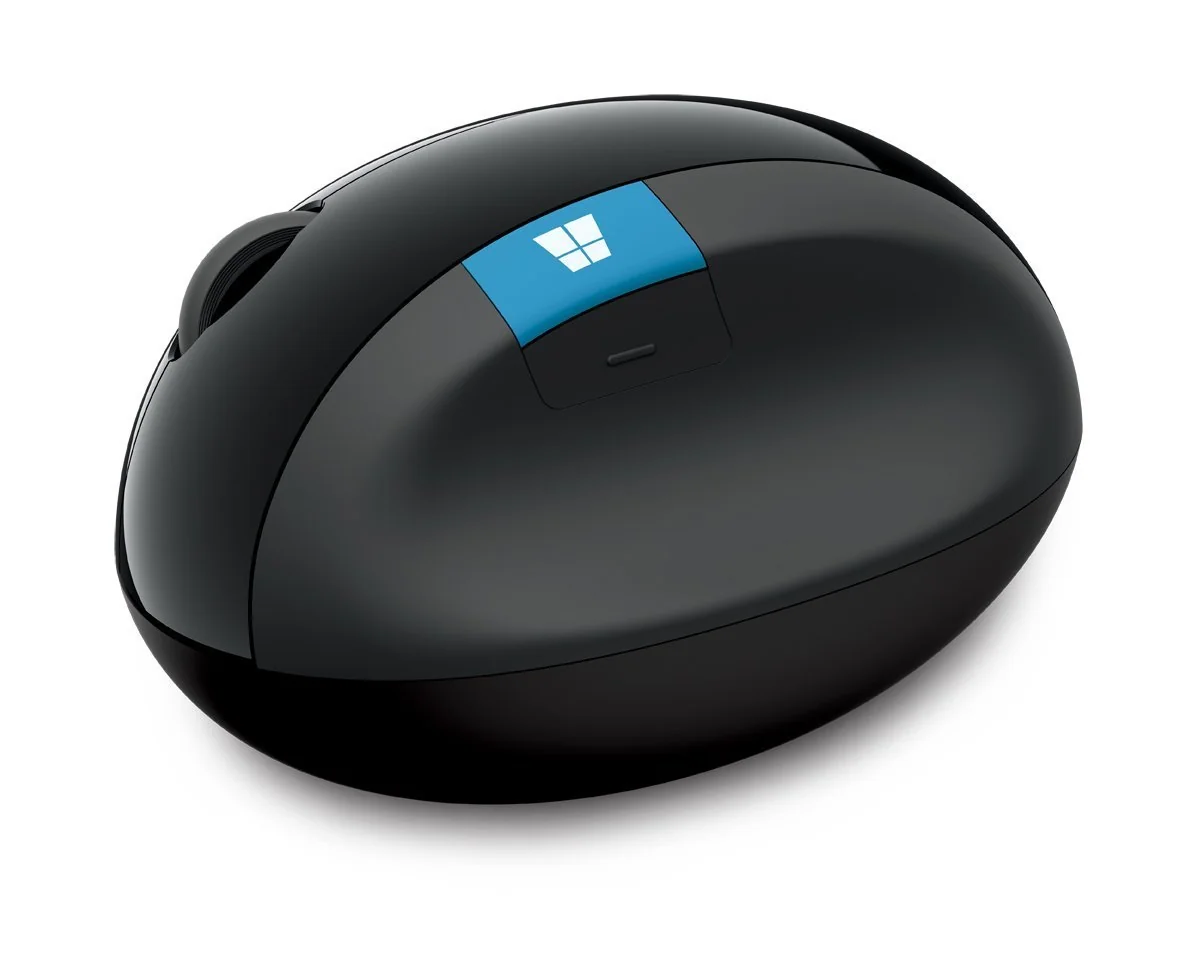
Microsoft Sculpt Ergonomic Mouse

Microsoft Sculpt Ergonomic Mouse

7.2

✓ Exceptional wrist and RSI pain relief validated by long-term users

DATA SOURCES & AUDIT

53
YOUTUBE
18
LEMMY
4
STACK EXCHANGE
3
YOUTUBE VIDEOS

78 data points across 3 platforms, synthesized via GYIBB's Truth Engine and fact-checked against source data before publication.

CONFIDENCE: MEDIUM · ANALYSED: JUNE 7, 2026 AT 07:55 PM · PROMPT V1.0 · READ METHODOLOGY →

Was this review helpful?

Embed this review

Writing about Logitech MX Master 3S? Add the GYIBB verdict — free, no account needed.

<a href="https://gyibb.com/mice/logitech-mx-master-3s" target="_blank" rel="noopener">
  <img src="https://gyibb.com/badge/mice/logitech-mx-master-3s.svg" alt="GYIBB rating for Logitech MX Master 3S" width="220" height="56">
</a>
← Back to all reviews

Logitech MX Master 3S

GYIBB SCORE: 9.2/10

Buy on Amazon →