REVIEWS / MICE / KENSINGTON EXPERT MOUSE TRACKBALL UPDATED OCT 11, 2026 · 65 SOURCES

THE PRODUCT

Kensington Expert Mouse Trackball

Kensington Expert Mouse Trackball

Decades-proven finger-ball trackball with fiercely loyal owners; praised for ergonomics and lifespan, dinged for software quirks and a divisive layout.

MICE LOW CONFIDENCE

THE VERDICT

9.0

REALITY SCORE · OUT OF 10 · CONFIDENCE LOW

COMPOSED FROM

USERS 9.0 · 62 voices · 100%
CRITICS no published scores yet

SENTIMENT · 65 REVIEWS

+ 66% positive · 26% neutral − 8% negative

BEST PRICE TODAY

BUY ON AMAZON
Affiliate · supports independent reviews
CHECK PRICE →

// Affiliate link — score is unaffected.

●55 YOUTUBE ●5 LEMMY ●2 STACK EXCHANGE
USER● n=65
VIDEO● n=3
BRAND● AVAILABLE
INTERNET● n=0
🦉 We read 65 owner comments — see the recurring complaints & praise OWNER INSIGHTS →

AT A GLANCE · QUOTABLE

  • Rating: 9.0 / 10 (low confidence)
  • User voices: 65 across 3 platforms
  • Sentiment: 66% positive · 8% negative
  • Updated: Oct 11, 2026

GYIBB rates the Kensington Expert Mouse Trackball 9.0/10 based on 65 user voices from 3 platforms. Confidence: low. Source: https://gyibb.com/mice/kensington-expert-mouse-trackball

⚠ LIMITED DATA Limited data: 10 comments, 55 videos. Consider as preliminary assessment.

BUY IF

Reported 10-30 year lifespans; multi-unit, multi-decade owner loyalty

  • + Ergonomic relief for wrist pain/RSI; single-finger operation possible (accessibility)
  • + Ambidextrous finger-ball design
  • + Sticky ball easily revived: clean + tiny drop of PTFE grease on the 3 jewel bearings

SKIP IF

Kensington software quirks: buttons lose functions after updates (repair-install workaround)

  • − Back/forward buttons need third-party remapping (X-Mouse Button Control) on Windows
  • − Steep learning curve versus a regular mouse
  • − Finger-ball layout rejected by thumb-ball users; design is divisive

Where the layers disagree ⚡

5 CONTRADICTIONS DETECTED

USER+VIDEO ALIGNMENT: both layers independently report 10-30 year lifespans and multi-unit ownership (USER: '5 in constant use' for 3 decades; VIDEO comments: 'third Expert Mouse since 1995') — longevity is the strongest cross-validated claim.

BRAND VS VIDEO

USER vs VIDEO: the VIDEO layer surfaces accessibility use (Cerebral Palsy, one-finger operation) absent from USER comments — the ergonomic value may extend beyond wrist-pain/RSI relief.

VIDEO VS USER

USER intra-layer tension: the same loyalist community also reports churn — units dying and owners defecting to Logitech, Elecom, or weighing Ploopy — and thumb-ball users explicitly rejecting this finger-ball layout.

USER VS BRAND

USER raises unanswered questions (Linux support, 2xAA battery life, 400 DPI adequacy for large displays) that the VIDEO layer (viewer comments only, no test data) and the empty BRAND layer cannot verify.

BRAND VS VIDEO

VIDEO meta-gap: viewers complain that trackball reviewers never show on-screen cursor behavior — so no available layer provides measured performance evidence, only anecdote.

VIDEO VS USER

WHERE THEY AGREE +

+ Reported 10-30 year lifespans; multi-unit, multi-decade owner loyalty
+ Ergonomic relief for wrist pain/RSI; single-finger operation possible (accessibility)
+ Ambidextrous finger-ball design
+ Sticky ball easily revived: clean + tiny drop of PTFE grease on the 3 jewel bearings
+ Optical sensor needs far less cleaning than older mechanical-bearing trackballs

WHERE THEY DON'T −

− Kensington software quirks: buttons lose functions after updates (repair-install workaround)
− Back/forward buttons need third-party remapping (X-Mouse Button Control) on Windows
− Steep learning curve versus a regular mouse
− Finger-ball layout rejected by thumb-ball users; design is divisive
− Unverified from data: 2xAA battery life, Linux support, 400 DPI adequacy for large displays

Where the 65 sources came from

VIEW EVERY CITATION →
YOUTUBE
55
LEMMY
5
STACK EXCHANGE
2

The four realities of the Kensington Expert Mouse Trackball

Most review sites collapse everything into one number. We keep the layers separate so you can see where reality bends.

01
USER
n=65 · 3 platforms

What actual buyers say

Based on 62 comments (top 25 by upvotes; Lemmy, StackExchange, YouTube). The dominant pattern is extreme multi-decade loyalty: one user owns 'dozens' over 3 decades with '5 in constant use', another is on a unit bought ~2011 that 'may have succumbed' after ~15 years — their second since the early 90s — and a YouTube commenter plans to be 'buried with' theirs. Failures do occur and drive churn: one Lemmy user's units died twice and they defected to Logitech, then Elecom. Ergonomics is the second pillar: a user reports ~a decade of 'constant searing pain' and dropped objects from MMO-mouse use that improved within months of switching to a trackball (Elecom HUGE), and another with a 'burning hot and stiff' wrist after 30 minutes of work was convinced to try this device. Maintenance knowledge circulates organically: sticky ball fixed by cleaning plus 'a TINY drop of LaBelle 106 ptfe grease on the 3 jewels'; the optical design 'needs a lot less cleaning' than older mechanical-bearing models. Software friction is real: buttons losing functions after updates, fixed by re-running the installer and choosing 'repair'; on Windows, X-Mouse Button Control is needed to remap back/forward because Kensington emits middle + button 4 where Logitech emits 4/5 (StackExchange). Open questions raised but unanswered in-layer: Linux compatibility without extra software, 2xAA battery life on the wireless version, and whether 400 DPI suffices for large displays. On the newly announced TB800 wireless model (Lemmy thread): genuine excitement and confirmation of USB-C wired mode via Kensington's spec page, but design pushback — 'I would not try this model... I prefer using my thumb to move the ball' — plus users weighing Ploopy Adept and Elecom alternatives.
02
VIDEO
n=55 · YouTube

What reviewers showed on camera

Three mid-tier YouTube reviews cover the Expert Mouse, primarily the Wireless version: Sypnotix (25.2K subs, 56.9K views, 'Say Bye Bye To Normal Mice!'), Arthur Brs (32.6K subs, 51.2K views, 'Better than your Mouse?'), Markus Presents (18.1K subs, 20.2K views, 'Why you'll love it'). Caveat: the captured excerpts are viewer comment sections, not reviewer transcripts — no DPI, latency, or battery test data from the reviewers themselves is present. Viewer response is heavily positive and adds an accessibility dimension the user-comment layer lacks: a viewer with Cerebral Palsy states 'This trackball is the only type of mouse that I can use. Only one finger is all I use to operate it... they last at least 10 years or more.' Others confirm the learning curve ('It just takes a little time to learn... Once you learn to control the speed, you can be precise') and note it is ambidextrous. Meta-criticism of the review genre appears twice: 'The one thing you never see in these trackball videos is what is happening on the screen' (Sypnotix comments), and praise for Markus Presents for actually showing hand-on-device use because 'Many reviewers barely touch trackball device... Show the device in a busy use situation.' At least one viewer reports a direct conversion: 'Well, you convinced me - bought one!'

Kensington Expert Wireless Trackball Mouse: Say Bye Bye To Normal Mice!

Sypnotix · 56,870 views

"[comment] I plan to be buried with my Kensington Trackball..... I've used them since they were first introduced. And if yours gets "sticky", clean it and put a TINY drop of LaBelle 106 ptfe grease on the 3 jewels and roll the ball around …"

Kensington Expert Wireless Trackball Review & Unboxing - Better than your Mouse?

Arthur Brs · 51,176 views

"[comment] let's be honest, literally anything will be more convenient than apple magic mouse [comment] I have Cerebral Palsy with limited use of my arms and hands. This trackball is the only type of mouse that I can use. Only one finger is …"

Kensington Expert Mouse trackball review: Why you'll love it

Markus Presents · 20,241 views

"[comment] Thank you! So nice to see a review after so many years, instead of unboxings. This is very helpful. [comment] Bravo for showing your hand operating the device in the beginning. Many reviewers barely touch trackball device instead…"

03
INTERNET
n=0 · review sites

What the press said

No aggregate ratings were found for this product during the last harvest.
04
BRAND
official source

What the brand says

no brand page found

The official brand page was not successfully scraped during the last harvest.
Buy on Amazon →

* This page may contain affiliate links. No additional cost to you.

SIMILAR IN THIS CATEGORY

See all →

Ploopy Classic Trackball

Ploopy Classic Trackball

8.7

✓ Fully open-source, user-repairable design sold as kit or assembled

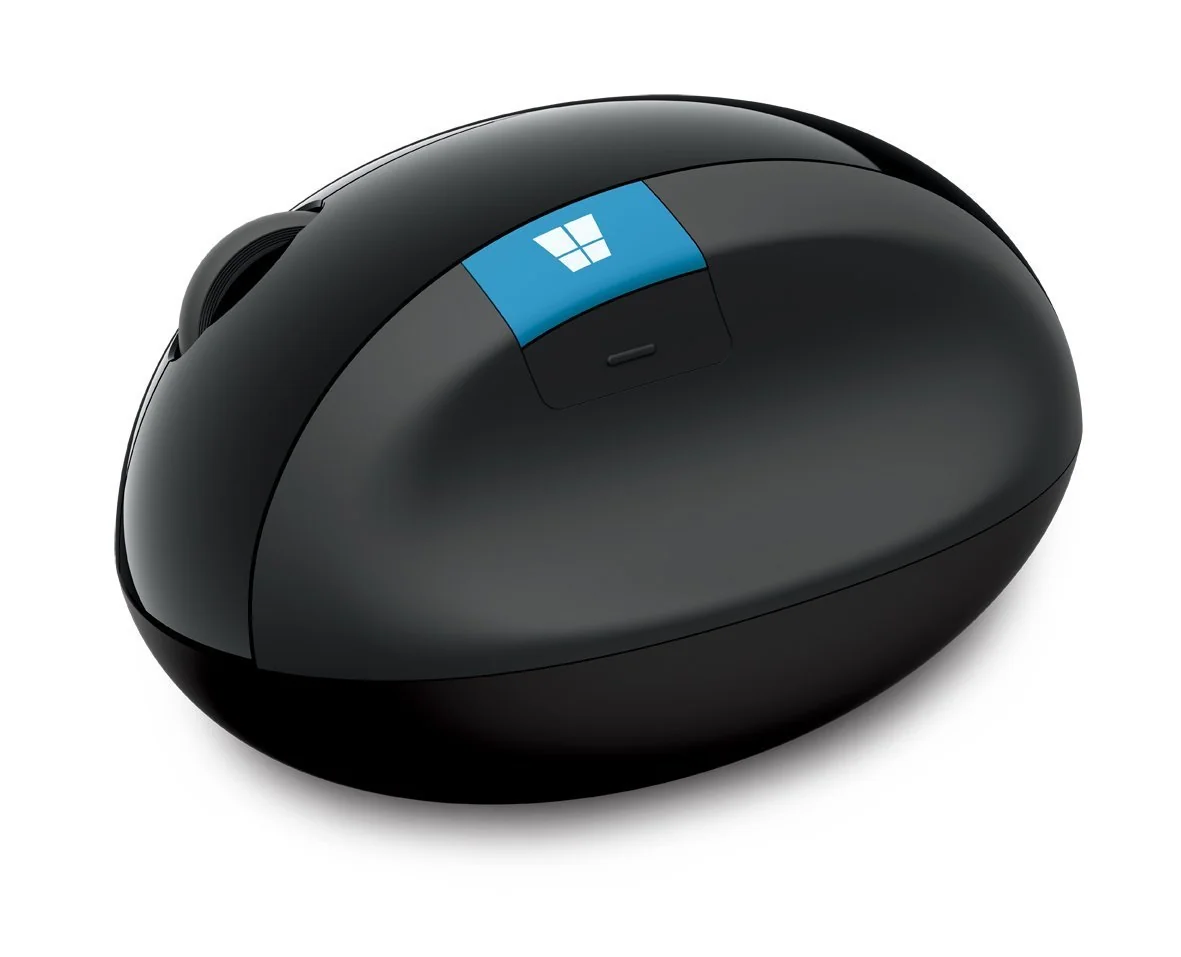
Microsoft Sculpt Ergonomic Mouse

Microsoft Sculpt Ergonomic Mouse

7.2

✓ Strong RSI/wrist-pain relief; usable with no wrist contact

Logitech MX Master 3S

Logitech MX Master 3S

6.8

✓ Superb ergonomics and fit, including large hands and fingertip grip after adjustment

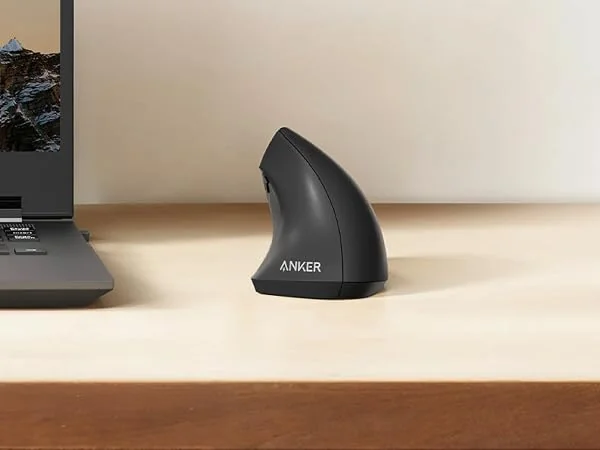
Anker Ergonomic Vertical Mouse

Anker Ergonomic Vertical Mouse

6.6

✓ Wrist/arm pain relief often noticed within hours to days

DATA SOURCES & AUDIT

55
YOUTUBE
5
LEMMY
2
STACK EXCHANGE
3
YOUTUBE VIDEOS

65 data points across 3 platforms, synthesized via GYIBB's Truth Engine and fact-checked against source data before publication.

CONFIDENCE: LOW · ANALYSED: OCTOBER 11, 2026 AT 09:37 AM · PROMPT V1.0 · READ METHODOLOGY →

Was this review helpful?

Embed this review

Writing about Kensington Expert Mouse Trackball? Add the GYIBB verdict — free, no account needed.

<a href="https://gyibb.com/mice/kensington-expert-mouse-trackball" target="_blank" rel="noopener">
  <img src="https://gyibb.com/badge/mice/kensington-expert-mouse-trackball.svg" alt="GYIBB rating for Kensington Expert Mouse Trackball" width="220" height="56">
</a>
← Back to all reviews

Kensington Expert Mouse Trackball

GYIBB SCORE: 9.0/10

Buy on Amazon →