REVIEWS / MICE / APPLE MAGIC MOUSE 2 UPDATED NOV 19, 2026 · 67 SOURCES

THE PRODUCT

Apple Magic Mouse 2

Apple Magic Mouse 2

Users and video audiences converge: loved for macOS gestures and scrolling, hated for bottom charging port and cramped, flat ergonomics.

MICE MEDIUM CONFIDENCE

THE VERDICT

2.9

REALITY SCORE · OUT OF 10 · CONFIDENCE MEDIUM

COMPOSED FROM

USERS 2.9 · 64 voices · 100%
CRITICS no published scores yet

SENTIMENT · 67 REVIEWS

+ 15% positive · 30% neutral − 55% negative

OUR VERDICT

WE DON'T RECOMMEND THIS
Score 2.9/10 — no affiliate link by editorial policy
See alternatives →

// Honest verdicts are the whole point. We only monetise products we'd actually recommend.

●39 YOUTUBE ●23 LEMMY ●2 STACK EXCHANGE
USER● n=67
VIDEO● n=3
BRAND● AVAILABLE
INTERNET● n=0
🦉 We read 67 owner comments — see the recurring complaints & praise OWNER INSIGHTS →

AT A GLANCE · QUOTABLE

  • Rating: 2.9 / 10 (medium confidence)
  • User voices: 67 across 3 platforms
  • Sentiment: 15% positive · 55% negative
  • Updated: Nov 19, 2026

GYIBB rates the Apple Magic Mouse 2 2.9/10 based on 67 user voices from 3 platforms. Confidence: medium. Source: https://gyibb.com/mice/apple-magic-mouse-2

⚠ LIMITED DATA Based on 28 comments and 39 videos

BUY IF

macOS gesture smooth scrolling is the one feature that keeps buyers loyal

  • + Fast charging partially offsets the can't-use-while-charging problem
  • + Slim and light — disappears into a bag as an emergency travel mouse
  • + Multi-year durability reported (2016-era unit still in daily use with an M4 Mini)

SKIP IF

Charging port on the bottom — mouse is unusable while charging

  • − Poor ergonomics: too small/flat, users report arm cramping and wrist strain
  • − Tracking quality called 'horrendous' next to a $20 Logitech
  • − ~$80 price widely mocked given the compromises

Where the layers disagree ⚡

6 CONTRADICTIONS DETECTED

ALIGNMENT (USER ↔ VIDEO): Both layers independently converge on the bottom charging port as the #1 complaint — Lemmy (+13, 'most inconvenient place they could have put it') mirrors DetroitBORG viewer comments ('most ridiculous cable port position ever?').

VIDEO VS USER

ALIGNMENT (USER ↔ VIDEO): Ergonomics criticized in both layers — Lemmy users report 'comically tiny' fit and wrist strain, while an Adam Talks Tech viewer reports arm cramping 'within a few minutes.'

VIDEO VS USER

SPLIT WITHIN VIDEO: Tracking verdicts conflict — a Simple Alpaca viewer calls tracking 'horrendous' versus a $20 Logitech, while another viewer happily uses a 2016-era unit daily; no creator-side benchmark data is provided to arbitrate.

VIDEO VS USER

USER THEORY vs MISSING BRAND LAYER: Users assert (+15, +19) the port placement is a deliberate anti-cord design decision — but no brand claims were supplied to confirm or refute.

BRAND VS USER

TOLERABLE-FLAW PATTERN (USER ↔ VIDEO): The same audiences that call it the 'worst' mouse still buy or keep it for one feature — macOS-native gesture smooth scrolling — the sole recurring purchase driver across both layers.

VIDEO VS USER

MITIGATION DISPUTE (USER): Fast charging ('it charges really quick') is cited as softening the port problem, yet users still rank the port as the top design failure — quick charge does not resolve 'can't use it while charging.'

USER VS BRAND

WHERE THEY AGREE +

+ macOS gesture smooth scrolling is the one feature that keeps buyers loyal
+ Fast charging partially offsets the can't-use-while-charging problem
+ Slim and light — disappears into a bag as an emergency travel mouse
+ Multi-year durability reported (2016-era unit still in daily use with an M4 Mini)

WHERE THEY DON'T −

− Charging port on the bottom — mouse is unusable while charging
− Poor ergonomics: too small/flat, users report arm cramping and wrist strain
− Tracking quality called 'horrendous' next to a $20 Logitech
− ~$80 price widely mocked given the compromises
− No easy multi-device switching, unlike Logitech rivals (explicit user wish)

Where the 67 sources came from

VIEW EVERY CITATION →
YOUTUBE
39
LEMMY
23
STACK EXCHANGE
2

The four realities of the Apple Magic Mouse 2

Most review sites collapse everything into one number. We keep the layers separate so you can see where reality bends.

01
USER
n=67 · 3 platforms

What actual buyers say

The Lemmy thread (64 comments total; top 25 by upvotes analyzed) centers on the Magic Mouse 2's charging-port placement: users call the bottom-mounted port 'wild' and 'literally the most inconvenient place they could have put it' (+13), making the mouse unusable while charging. Two top-voted comments (+19, +15) argue this was deliberate — to stop users leaving it plugged in and preserve Apple's wireless/minimalist image; one user even claims a ~2018 unit briefly worked while charging before the behavior was disabled (unverified). One mitigating note: 'it charges really quick' (+13). Ergonomics draw repeated fire: the mouse is 'comically tiny' for the hand (+7, that user sticks with Logitech); a long-time user switched to an Anker vertical mouse because flat mice twisted the wrist, keeping the Magic Mouse only as an emergency travel mouse since it is 'so flat and so light' it disappears in a bag — though they add 'the trackpad is easier'; a Mac newcomer reports not being able to use it 'more than a few minutes without my arm cramping up.' Users also contrast Apple's own wireless keyboard, which IS usable while charging (+6), and wish for Logitech-style easy device switching (+4). One user questions wireless mice entirely, never having seen the advantage. Caveat: a large share of the thread drifts to other Apple products — AirPods Max sound quality/cushions/USB-C, Apple Watch charging pucks, and multi-cable ecosystem complaints ('#NoCable') — so only roughly half the comments directly concern this mouse.
02
VIDEO
n=39 · YouTube

What reviewers showed on camera

Three YouTube videos are provided (2.9M + 285K + 7.7K views), but the excerpts are viewer comments, not creator-side test results. DetroitBORG's 2.9M-view 'Unboxing & Review' draws heavy sarcasm about the bottom charging port ('Could've put the charging port on the front... like a normal mouse'; 'Most ridiculous cable port position ever?'), the ~$80 price ('You can buy the mouse for 80 dollars' ME: *COUGH!!*'), and mock performance feedback ('Great mouse for gaming... 2 clicks per second... the cursor moves 10 seconds after your action'). Adam Talks Tech's 'The Best & Worst Mouse for Mac OS' comments repeat the ergonomics complaint — a new Mac user (MacBook Air M2) reports arm cramping within minutes and is now afraid to buy Apple's $130 keyboard — yet another viewer still buys it because it's 'the only one' with smooth scrolling for reading web novels/comics on macOS. Simple Alpaca's 2025 'Still Worth It?' splits its audience: one viewer prefers a $20 Logitech and calls the tracking 'horrendous,' while another still daily-drives a unit bought with a late-2015 iMac, now paired to an M4 Mini — 'If it ain't broke, why fix it?' — implying multi-year durability and battery survival.

Apple Magic Mouse 2: Unboxing & Review

DetroitBORG · 2,904,655 views

"[comment] Could've put the charging port on the front... so that you can keep using it while it's charging, like a normal mouse. [comment] Most ridiculous cable port position ever? [comment] What apple product can YOU buy with your money? I…"

Apple Magic Mouse 2 Review: The Best & Worst Mouse for Mac OS

Adam Talks Tech · 285,093 views

"[comment] Adam, your voice is very easy to listen to and understand! The speed is not too fast to follow either. You provide all the info I want and need. You are my go-to tech guy! [comment] I'm brand new to the Mac scene. Got myself a Mac…"

Magic Mouse 2 In 2025! (Still Worth It?) (Review)

Simple Alpaca · 7,683 views

"[comment] I found a brand new one in my dad's office drawer from his old job today and tbh I like my 20$ Logitech mouse better so far. The touch features are cool but the tracking so far is horrendous [comment] Came across this video simply…"

03
INTERNET
n=0 · review sites

What the press said

No aggregate ratings were found for this product during the last harvest.
04
BRAND
official source

What the brand says

no brand page found

The official brand page was not successfully scraped during the last harvest.
Visit Official Site →

SIMILAR IN THIS CATEGORY

See all →
Kensington Expert Mouse Trackball

Kensington Expert Mouse Trackball

9.0

✓ Reported 10-30 year lifespans; multi-unit, multi-decade owner loyalty

Ploopy Classic Trackball

Ploopy Classic Trackball

8.7

✓ Fully open-source, user-repairable design sold as kit or assembled

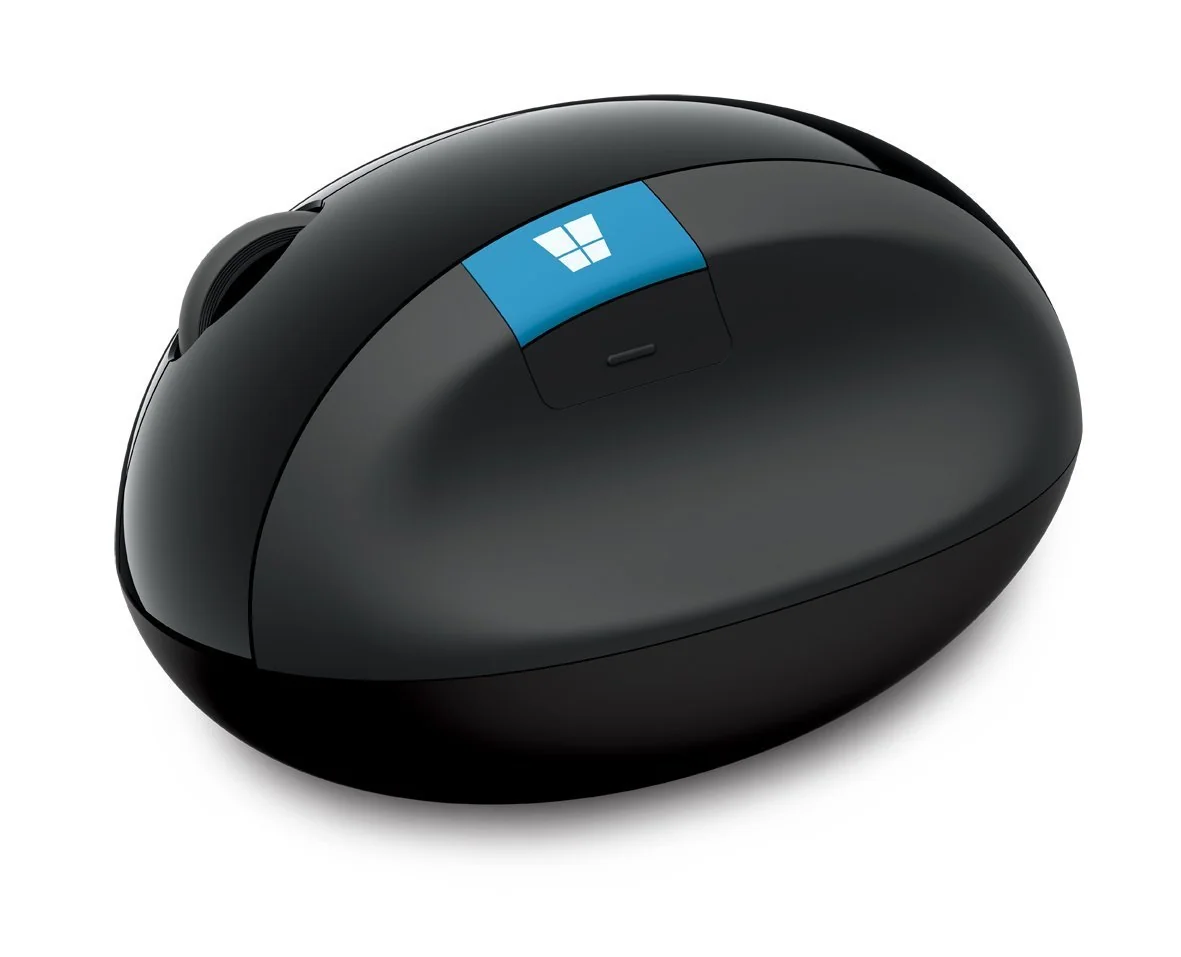
Microsoft Sculpt Ergonomic Mouse

Microsoft Sculpt Ergonomic Mouse

7.2

✓ Strong RSI/wrist-pain relief; usable with no wrist contact

Logitech MX Master 3S

Logitech MX Master 3S

6.8

✓ Superb ergonomics and fit, including large hands and fingertip grip after adjustment

DATA SOURCES & AUDIT

39
YOUTUBE
23
LEMMY
2
STACK EXCHANGE
3
YOUTUBE VIDEOS

67 data points across 3 platforms, synthesized via GYIBB's Truth Engine and fact-checked against source data before publication.

CONFIDENCE: MEDIUM · ANALYSED: NOVEMBER 19, 2026 AT 10:35 PM · PROMPT V1.0 · READ METHODOLOGY →

Was this review helpful?

Embed this review

Writing about Apple Magic Mouse 2? Add the GYIBB verdict — free, no account needed.

<a href="https://gyibb.com/mice/apple-magic-mouse-2" target="_blank" rel="noopener">
  <img src="https://gyibb.com/badge/mice/apple-magic-mouse-2.svg" alt="GYIBB rating for Apple Magic Mouse 2" width="220" height="56">
</a>
← Back to all reviews

Apple Magic Mouse 2

GYIBB SCORE: 2.9/10

See alternatives →