REVIEWS / MONITORS / DELL ULTRASHARP U2723QE UPDATED AUG 23, 2026 · 87 SOURCES

THE PRODUCT

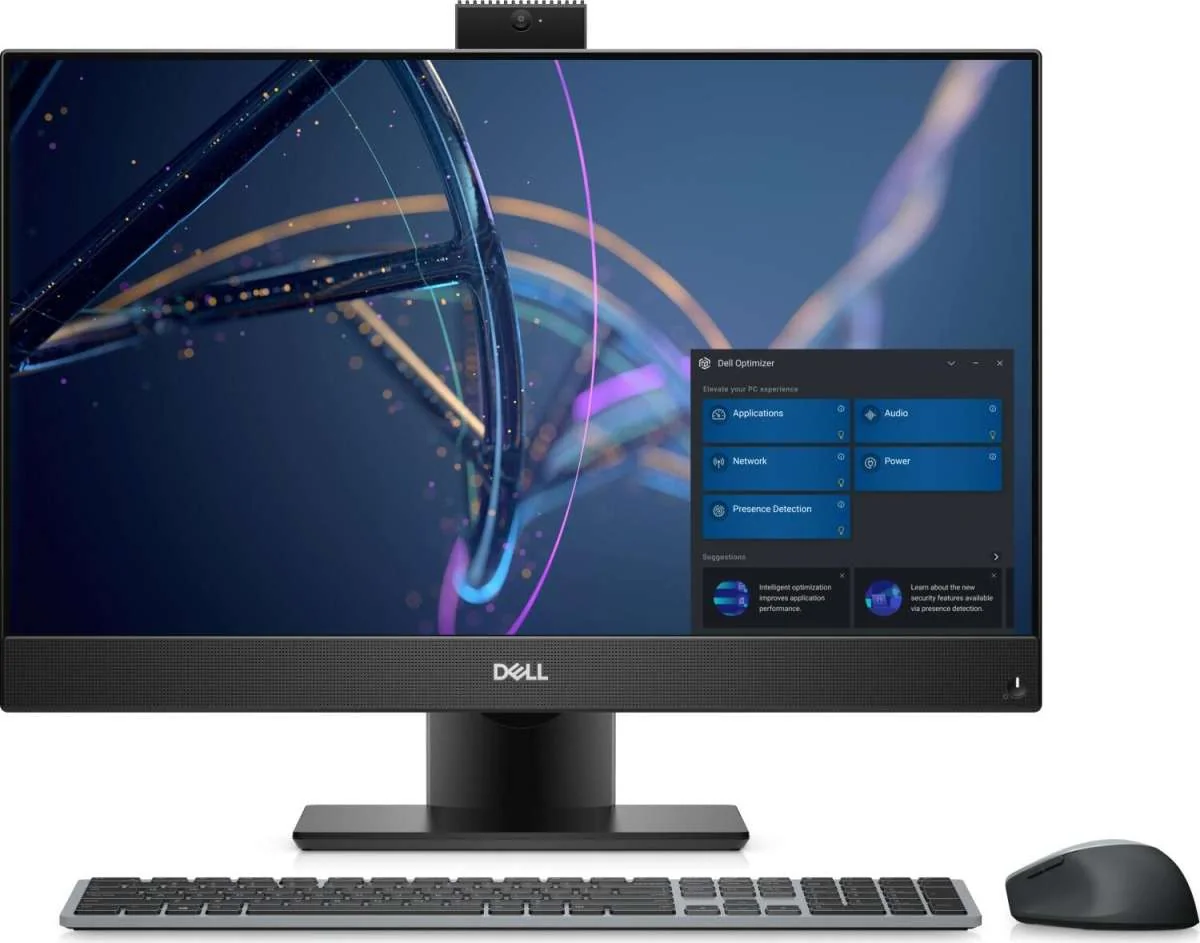
Dell UltraSharp U2723QE

Dell UltraSharp U2723QE

27-inch 4K monitor with a built-in USB-C hub; video-review owners love it for Macs, while HackerNews DPI purists steer high-DPI buyers to 220-PPI panels…

MONITORS MEDIUM CONFIDENCE

THE VERDICT

9.3

REALITY SCORE · OUT OF 10 · CONFIDENCE MEDIUM

COMPOSED FROM

USERS 9.3 · 84 voices · 100%
CRITICS no published scores yet

SENTIMENT · 87 REVIEWS

+ 60% positive · 35% neutral − 5% negative

BEST PRICE TODAY

BUY ON AMAZON
Affiliate · supports independent reviews
CHECK PRICE →

// Affiliate link — score is unaffected.

51 YOUTUBE 33 HN
USER n=87
VIDEO n=3
BRAND AVAILABLE
INTERNET n=0

AT A GLANCE · QUOTABLE

  • Rating: 9.3 / 10 (medium confidence)
  • User voices: 87 across 2 platforms
  • Sentiment: 60% positive · 5% negative
  • Updated: Aug 22, 2026

GYIBB rates the Dell UltraSharp U2723QE 9.3/10 based on 87 user voices from 2 platforms. Confidence: medium. Source: https://gyibb.com/monitors/dell-ultrasharp-u2723qe

⚠ LIMITED DATA Based on 36 comments and 51 videos

BUY IF

USB-C hub with rich port selection genuinely reduces desk cables, per multiple owners

  • + Thin bezels, zero branding, minimalist design repeatedly praised
  • + Bright panel (owners run it at 70-75%), very fast power-on, no wobble
  • + Owners report clean macOS scaling and phenomenal USB-C image quality

SKIP IF

Backlight bleeding reported in TechWalls comments — panel lottery risk

  • No built-in speakers or webcam; owners improvise (e.g., iPhone Continuity Camera)
  • ~163 PPI sits in the macOS 'awkward zone' per HackerNews DPI guidance
  • Top-voted user comments steer high-DPI seekers to Dell 6K or Apple 5K instead

Where the layers disagree

5 CONTRADICTIONS DETECTED

USER vs VIDEO on Mac scaling: HackerNews users insist macOS needs ~220 PPI and that the 100-220 PPI zone blurs text ('a 1px line won't be crisp'), while a MacRumors VIDEO commenter reports 'no issue with scaling on Mac, contrary to what some people say' after a month of daily use.

VIDEO VS USER

VIDEO layer's internal contradiction: review titles crown it 'Best 4K Monitor For Your Mac' while TechWalls VIDEO comments document backlight bleeding and Dell Advanced Exchange swaps — a panel lottery underneath the praise.

VIDEO VS USER

USER layer low relevance: the 84 comments are a general monitor thread that steers high-DPI buyers to Dell 6K / Apple 5K / Samsung S9 instead of this model — no direct U2723QE owner complaints, but also no direct praise.

USER VS BRAND

BRAND layer is empty, so the port/hub and image-quality claims praised in VIDEO comments cannot be cross-checked against official marketing.

BRAND VS VIDEO

Alignment between layers: the USER brand anecdote ('good luck with the Dell one' vs LG sleep/wake problems) matches VIDEO owners' reports of fast wake, quick power-on, and no wobble.

BRAND VS VIDEO

WHERE THEY AGREE +

+ USB-C hub with rich port selection genuinely reduces desk cables, per multiple owners
+ Thin bezels, zero branding, minimalist design repeatedly praised
+ Bright panel (owners run it at 70-75%), very fast power-on, no wobble
+ Owners report clean macOS scaling and phenomenal USB-C image quality
+ Dell Advanced Exchange replaces bleed units before you ship yours back

WHERE THEY DON'T

Backlight bleeding reported in TechWalls comments — panel lottery risk
No built-in speakers or webcam; owners improvise (e.g., iPhone Continuity Camera)
~163 PPI sits in the macOS 'awkward zone' per HackerNews DPI guidance
Top-voted user comments steer high-DPI seekers to Dell 6K or Apple 5K instead

Where the 87 sources came from

VIEW EVERY CITATION →
YOUTUBE
51
HN
33

The four realities of the Dell UltraSharp U2723QE

Most review sites collapse everything into one number. We keep the layers separate so you can see where reality bends.

01
USER
n=87 · 2 platforms

What actual buyers say

Signal check first: the 84 comments are a HackerNews monitor-selection thread, and the U2723QE itself is rarely named — the discussion is mostly general. What emerges: (1) macOS users obsess over pixel density — 'your only high-DPI choices are the Dell 6K or Apple 5K', with ~220 PPI considered ideal and the 100-220 PPI middle range called a bad zone where uneven scaling means 'even basic things like a 1px line won't be crisp'. A 27-inch 4K panel sits around 163 PPI, i.e. inside the zone these users warn about, though commenters disagree on where the threshold (one says 150) actually bites, and some blame Apple dropping font antialiasing since the M1 era. (2) One brand anecdote in Dell's favor: 'I had good luck with the Dell one but some sleep/wake problems with an LG model.' (3) Budget- and quality-driven users get steered elsewhere — used LG 5K, Samsung Viewfinity S9, or the Dell 32-inch 6K ('best bang-for-buck... around $100 more than Apple's 27-inch 5K') — rather than to this model. (4) Broader thread context: users debate 38-inch/43-inch/ultrawide setups; several state ultrawides are 'bad for movies and games' and 'unusable' for screen-sharing, which implicitly supports a standard 16:9 27-inch choice. Net: neutral-to-cautious signal, low relevance, and zero direct owner complaints about this specific model in the sampled comments.
02
VIDEO
n=51 · YouTube

What reviewers showed on camera

Three reviews totaling roughly 2.2M views. Created Tech (293K subs, ~1.3M views) titles it 'This Monitor Has ALMOST Everything...' — commenters highlight the thin, branding-free bezels and call the USB hub 'more useful than I imagined', saying it 'completely cut down on cable uses'; one buyer calls it 'perfect'. MacRumors (650K subs, ~770K views) positions it as 'Best 4K Monitor For Your Mac'; a one-month owner reports a beautiful display, minimalist design, 'plethora of ports, more than I will ever need', very fast power-on, no wobble, brightness run at 70-75%, simple rear-button OSD, and — pointedly — 'there is no issue with scaling on Mac, contrary to what some people say', with a 'phenomenal' image over USB-C; they compensate for missing webcam/speakers by using an iPhone Continuity Camera. TechWalls (28.7K subs, ~143K views) asks if it is 'The Best 4K USB-C Monitor for MacBook'; its comments surface the one recurring defect: backlight bleeding, with a tip that buying direct from Dell gets Advanced Exchange (replacement shipped before you return the unit); another commenter ordered the 32-inch sibling U3223QE at $829.99. Overall: strongly positive, owner-heavy sentiment with a panel-lottery caveat.

This Monitor Has ALMOST Everything... (Dell U2723QE Review)

Created Tech · 1,299,098 views

"[comment] Find the best price for this Dell monitor here: ⮕ 27" Version (U2723QE): https://geni.us/2723QE ⮕ 32" Version (U3223QE): https://geni.us/U3223QE Other products mentioned: ⮕ Monitor arm I use: https://geni.us/ergoarm ⮕ LG 27UP850 …"

Best 4K Monitor For Your Mac! (Dell UltraSharp U2723QE)

MacRumors · 770,718 views

"[comment] I got this model about a month ago for my Mac Mini, and Im in awe. It’s such a fantastic screen for my needs - it has a beautiful display, it’s minimalistic (which for me is the equivalent of a good design, I hate all those Bells …"

Dell UltraSharp U2723QE Monitor Reviewed - The Best 4K USB-C Monitor for MacBook?

TechWalls · 143,641 views

"[comment] Outstanding, thorough review, I plan to pick up a couple of these to use in a dual monitor system. Your command of the English language is outstanding as a non-native speaker. Keep up the good work! New subscriber here. [comment] …"

03
INTERNET
n=0 · review sites

What the press said

No aggregate ratings were found for this product during the last harvest.
04
BRAND
official source

What the brand says

no brand page found

The official brand page was not successfully scraped during the last harvest.
Buy on Amazon →

* This page may contain affiliate links. No additional cost to you.

SIMILAR IN THIS CATEGORY

See all →
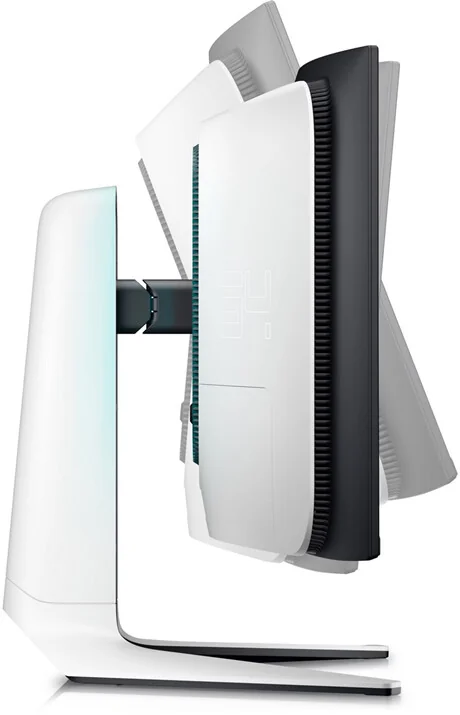
Alienware AW3423DW

Alienware AW3423DW

8.7

✓ Immersive 21:9 ultrawide for gaming and movies

Gigabyte M27Q

Gigabyte M27Q

8.1

✓ Strong value at entry-level 1440p IPS price point

ASUS ROG Swift PG27AQDM

ASUS ROG Swift PG27AQDM

7.9

✓ Class-leading brightness for an OLED

BenQ PD3220U

BenQ PD3220U

7.9

✓ Excellent color accuracy for photo/video editing

DATA SOURCES & AUDIT

51
YOUTUBE
33
HN
3
YOUTUBE VIDEOS

87 data points across 2 platforms, synthesized via GYIBB's Truth Engine and fact-checked against source data before publication.

CONFIDENCE: MEDIUM · ANALYSED: AUGUST 23, 2026 AT 12:12 AM · PROMPT V1.0 · READ METHODOLOGY →

Was this review helpful?

Embed this review

Writing about Dell UltraSharp U2723QE? Add the GYIBB verdict — free, no account needed.

<a href="https://gyibb.com/monitors/dell-ultrasharp-u2723qe" target="_blank" rel="noopener">
  <img src="https://gyibb.com/badge/monitors/dell-ultrasharp-u2723qe.svg" alt="GYIBB rating for Dell UltraSharp U2723QE" width="220" height="56">
</a>
← Back to all reviews

Dell UltraSharp U2723QE

GYIBB SCORE: 9.3/10

Buy on Amazon →